The International Student Laptop Trap: Why the $679 MacBook Neo Beats "Budget" PCs
Stop wasting money on cheap laptops that break in a year. Here is the pragmatic Canadian guide to buying a MacBook Neo, M1 Air, or refurbished ThinkPad on a student budget.

Javier Corral
Founder & Newcomer Guide 🇨🇦
Last updated:
Living Essentials

You just paid triple the domestic tuition rate to study in Canada. You are bleeding cash on rent, groceries, and winter gear. The absolute last thing you need is your laptop dying the night before a major final exam.
I see international students make the same hardware mistake every single September. You panic about your budget, walk into a big-box electronics store, and drop $400 on a heavy, plastic Windows laptop just because it is cheap. Eighteen months later, the hinge snaps, the battery holds a 45-minute charge, and you are forced to buy a new one. That is the false economy trap. I made this mistake so you don't have to.
The Quick Answer: The Only 3 Budget Laptops Worth Buying in Canada Right Now
If you need a reliable machine that will actually survive a four-year degree, stop looking at the bottom of the barrel. Here is your pragmatic roadmap:
The Modern Investment: Apple MacBook Neo. Starts at $679 CAD using Apple Education pricing. The smartest long-term play.
The Proven Workhorse: Refurbished Apple M1 MacBook Air. Look for Amazon Renewed deals around $550 to $650 CAD.
The True Sub-$500 Survivor: Refurbished Lenovo ThinkPad (T-Series). You can find these off-lease corporate machines for under $400 CAD.
Let’s break down exactly why these are your only real options and how to buy them without getting scammed.
The Reality of "Cheap" Tech in Canada
Canada is an expensive country. Tech prices here get hit by the exchange rate, import taxes, and a general retail markup. When you see a brand-new laptop selling for $350 CAD, the manufacturer cut corners somewhere.
Usually, they butcher the display quality, use a slow mechanical hard drive, or install a battery that degrades faster than you can say "Tim Hortons." Buying a cheap laptop means you will buy two laptops during your degree. You cannot afford that.
You need a machine that handles heavy Chrome tabs, runs your university portal without lagging, and survives being shoved into a backpack every day. You also need a battery that lasts, because fighting for a wall outlet in a crowded university library is a losing game.
Option 1: The MacBook Neo (The $679 CAD Education Hack)
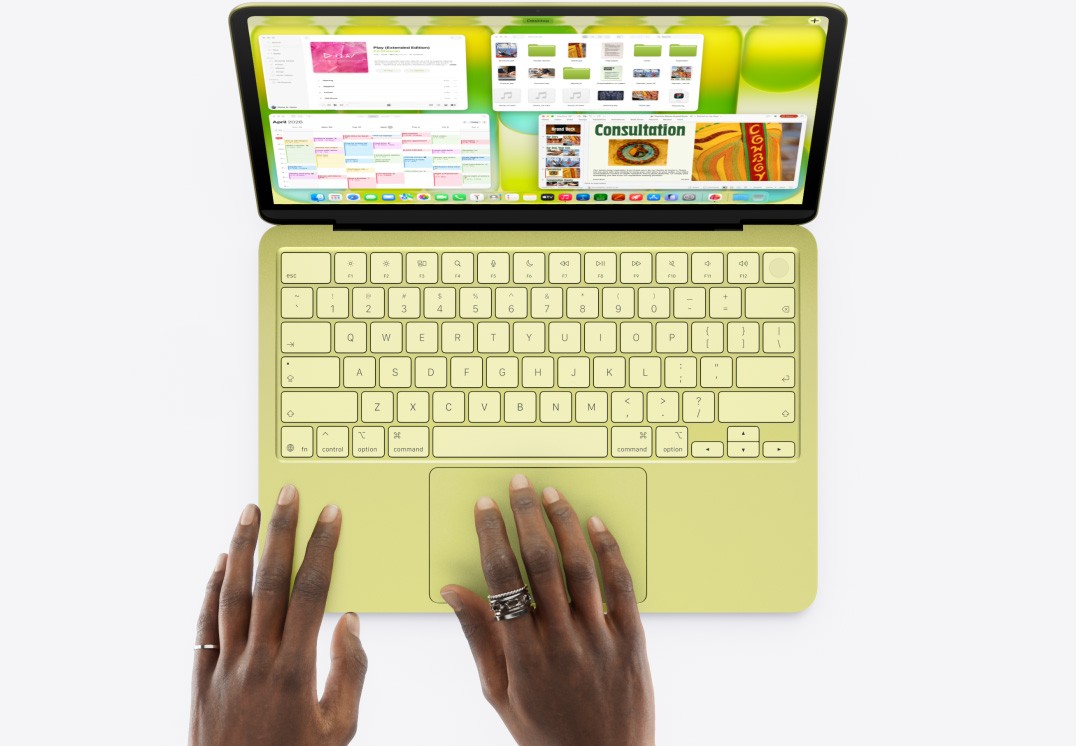
I know you clicked this wanting a $500 laptop. But spending slightly more on the brand-new MacBook Neo is the smartest financial decision you can make right now.
Apple released the Neo this month, and it completely changes the budget math. At standard retail, it sits at $799 CAD. But you are a student. By verifying your enrollment through the official Apple Education Store Canada, that price drops to $679 CAD.
Why it justifies the extra cash:
The A18 Pro Chip: This is the same silicon powering flagship devices. It runs cool, it never stutters on basic tasks, and it will still feel fast in 2030.
All-Day Battery: You will get 14+ hours of actual use. You can leave your charger at home.
Resale Value: A $400 plastic PC is worth $50 in three years. A MacBook Neo will still command $350+ on Facebook Marketplace when you graduate. You recoup the extra upfront cost.
Do not buy this full price on Amazon. Use your .edu email or your student ID and buy it directly with the education discount.
Option 2: The Refurbished M1 MacBook Air (The $600 Sweet Spot)
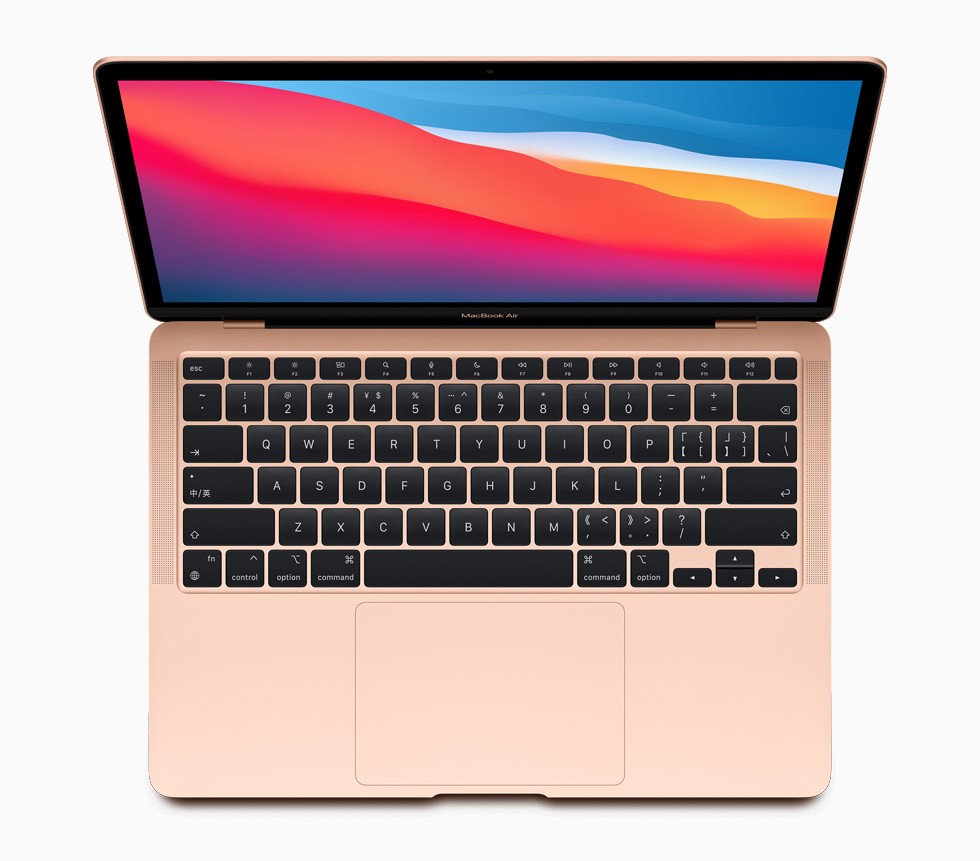
If stretching to $679 is entirely impossible, your next best move is the legendary M1 MacBook Air. Do not buy it new. Buy it refurbished.
I personally used an M1 Air for four straight years. I took that machine everywhere across Canada. It survived brutal winters, cramped coffee shop tables, and endless flights. The connectivity with other Apple devices is seamless. You can copy a link on your iPhone and paste it instantly on your Mac. That ecosystem lock-in is real, but it saves you time.
I only had one major issue: I cracked the screen going through airport security on a trip back home. Apple covered the repair because I had AppleCare+.
How to buy an M1 Air safely in Canada:
Check Amazon Renewed: You can frequently find these hovering around the $600 CAD mark.
Look for "Excellent Condition": Always filter for the highest cosmetic grade.
Rely on the Guarantee: The Amazon Renewed Guarantee gives you 90 days to test the battery. If it dies fast, send it back immediately. No questions asked.
This is the ultimate bridge between premium build quality and a tight student budget.
Option 3: The Refurbished Lenovo ThinkPad (The True Sub-$500 Survivor)
Okay, let's say your absolute hard ceiling is $450 CAD. You cannot spend a penny more. You need a Windows machine.
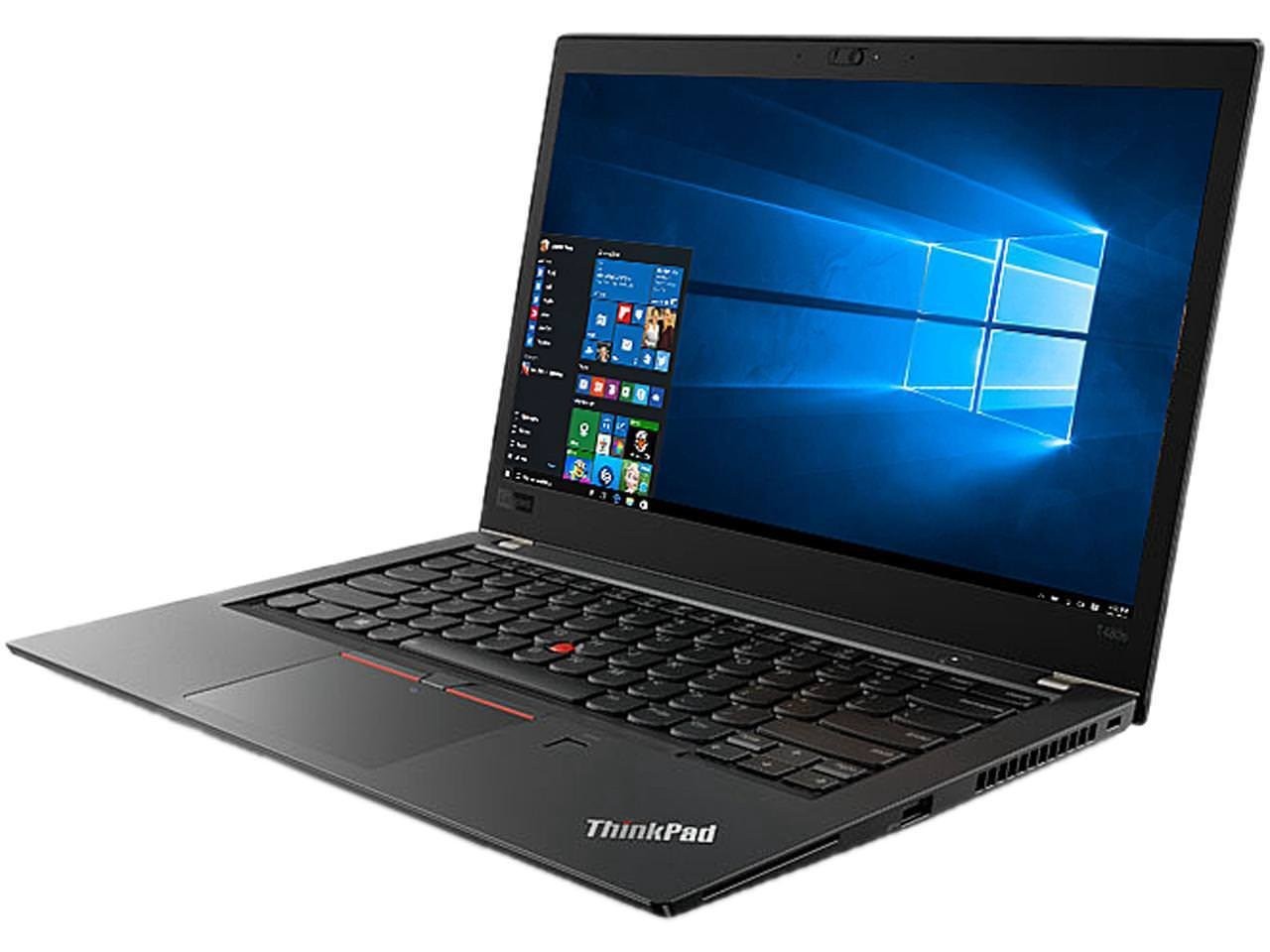
Do not buy a new HP Stream or a low-end Acer. You need to buy a refurbished, enterprise-grade Lenovo ThinkPad. Specifically, look for the T-Series (like the T480 or T490).
Corporate offices lease these laptops for their employees. After three years, they return them. Refurbishers buy them by the thousands, wipe the hard drives, and sell them dirt cheap.
Why ThinkPads are the ultimate broke-student hack:
Military-Spec Durability: These things are built like absolute tanks. You can spill a coffee on the keyboard, and it drains out the bottom without hitting the motherboard.
Upgradability: Unlike a Mac, you can pop off the back cover with a standard screwdriver. You can add more RAM or a bigger hard drive for $40 later on.
The Price: You can easily find a loaded T480 on Amazon for around $350 CAD.
Just make sure the listing specifies at least 16GB of RAM and a 256GB SSD. Do not buy anything with 8GB of RAM in 2026. Windows 11 will eat that alive.
How to Maximize Your Tech Budget in Canada
Buying the hardware is only step one. Protecting it and maximizing your student status is step two.
🚨 Never buy extra third-party warranties from big box stores. Store-branded warranties are profit generators for the retailer. They will fight you on every claim. If you buy an Apple product, buy official AppleCare+. If you buy a cheap refurbished ThinkPad, skip the warranty entirely. The laptop is cheap enough that it acts as its own replacement plan.
💡 Leverage Canadian Student Discounts. Before you buy any software or accessories, verify your student status. Sign up for a Student Price Card (SPC). This app costs $11.99 a year and gets you percentage discounts at hundreds of Canadian retailers, including major tech hubs like Best Buy and The Source.
✅ Watch the Weather. This sounds crazy, but winter will kill your tech. If you walk 20 minutes across campus in -20°C weather, your laptop freezes. Do not turn it on immediately when you get into a warm lecture hall. Condensation builds up inside the chassis and fries the motherboard. Let it sit in your bag for 10 minutes to acclimatize.
Your Game Plan
Stop stressing over fifty different laptop models. You now know exactly what works in the Canadian university environment.
Assess your actual cash on hand.
If you have $679, get the MacBook Neo through the Apple Education portal.
If you have $600, hunt for an "Excellent" grade M1 MacBook Air on Amazon Renewed.
If you have under $450, find a refurbished Lenovo ThinkPad T-Series.
You will secure a machine that lasts your entire degree, protects your files, and keeps your stress levels low. Grab your coffee, pick your lane, and get back to studying. You have got this.
Disclaimer: NewcomerSetup.ca is a research and educational platform. We are not certified financial or legal advisors. This guide is for informational purposes only. Restaurant prices and promotions vary by province and are subject to change.